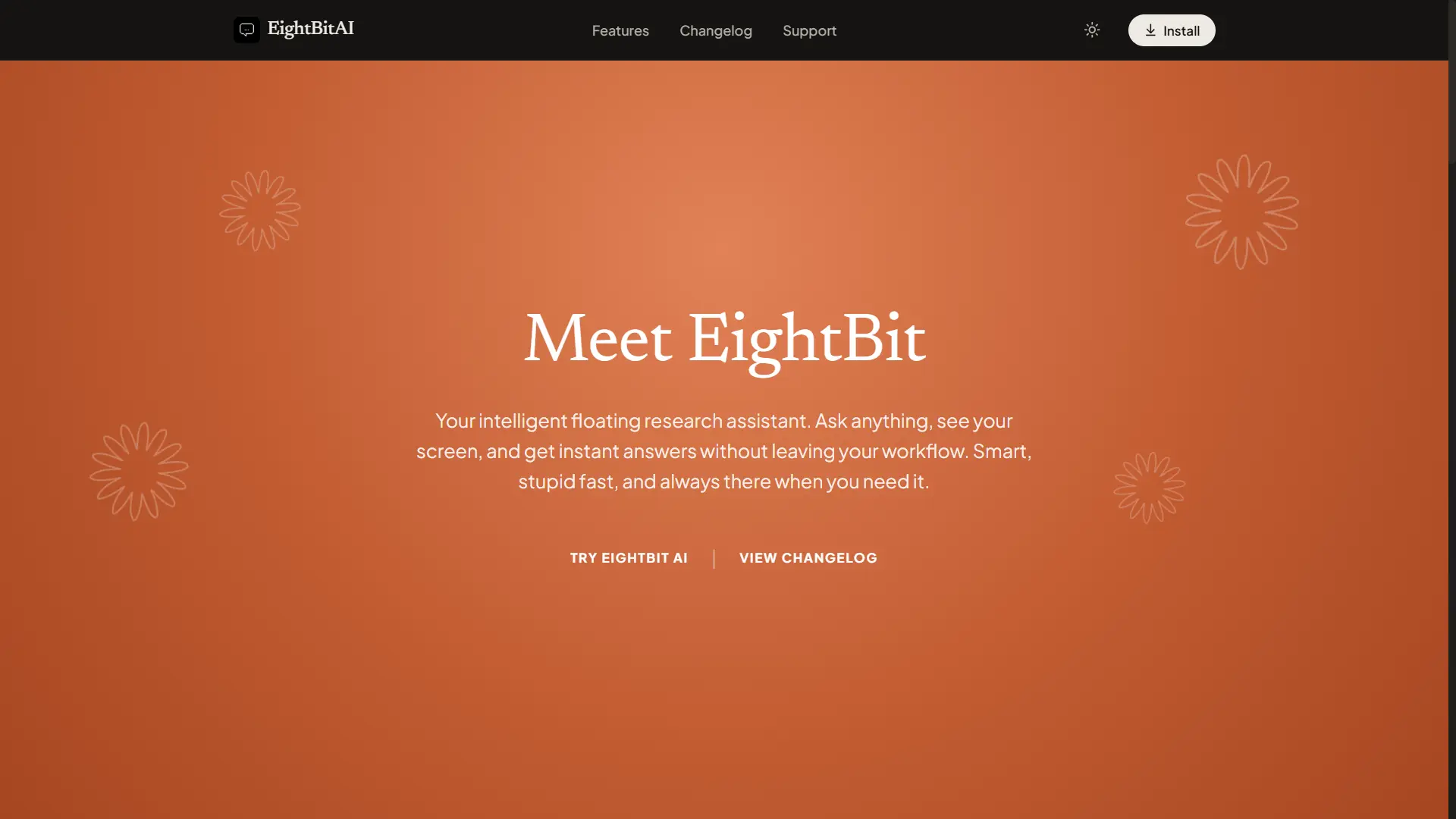
An elegant, floating desktop AI search bar and research assistant. Operating as an always-on-top overlay, it lets you run deep web research, read and analyze local code files, snap screen snippets for vision models, and dictate searches in real time using global hotkeys.
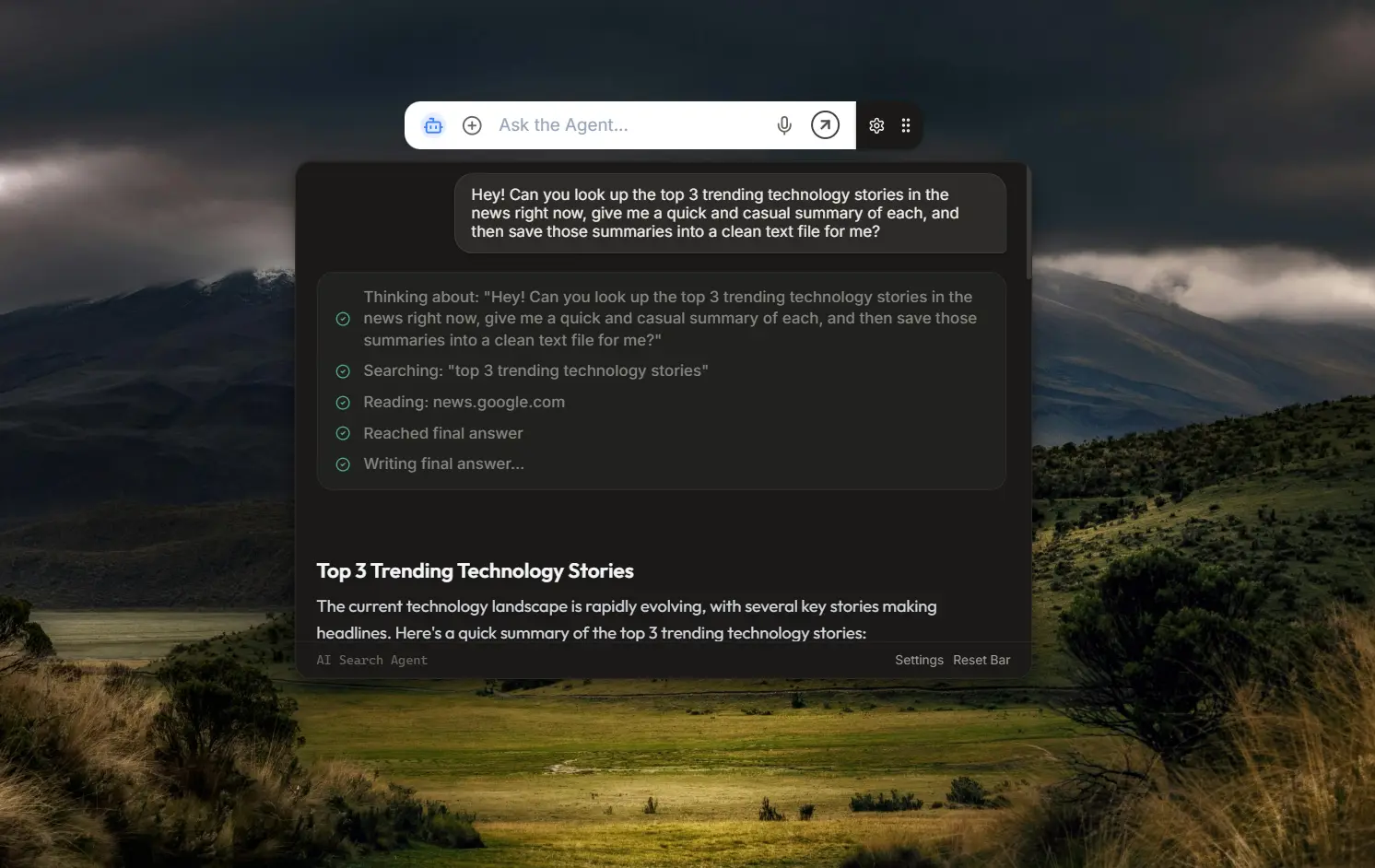
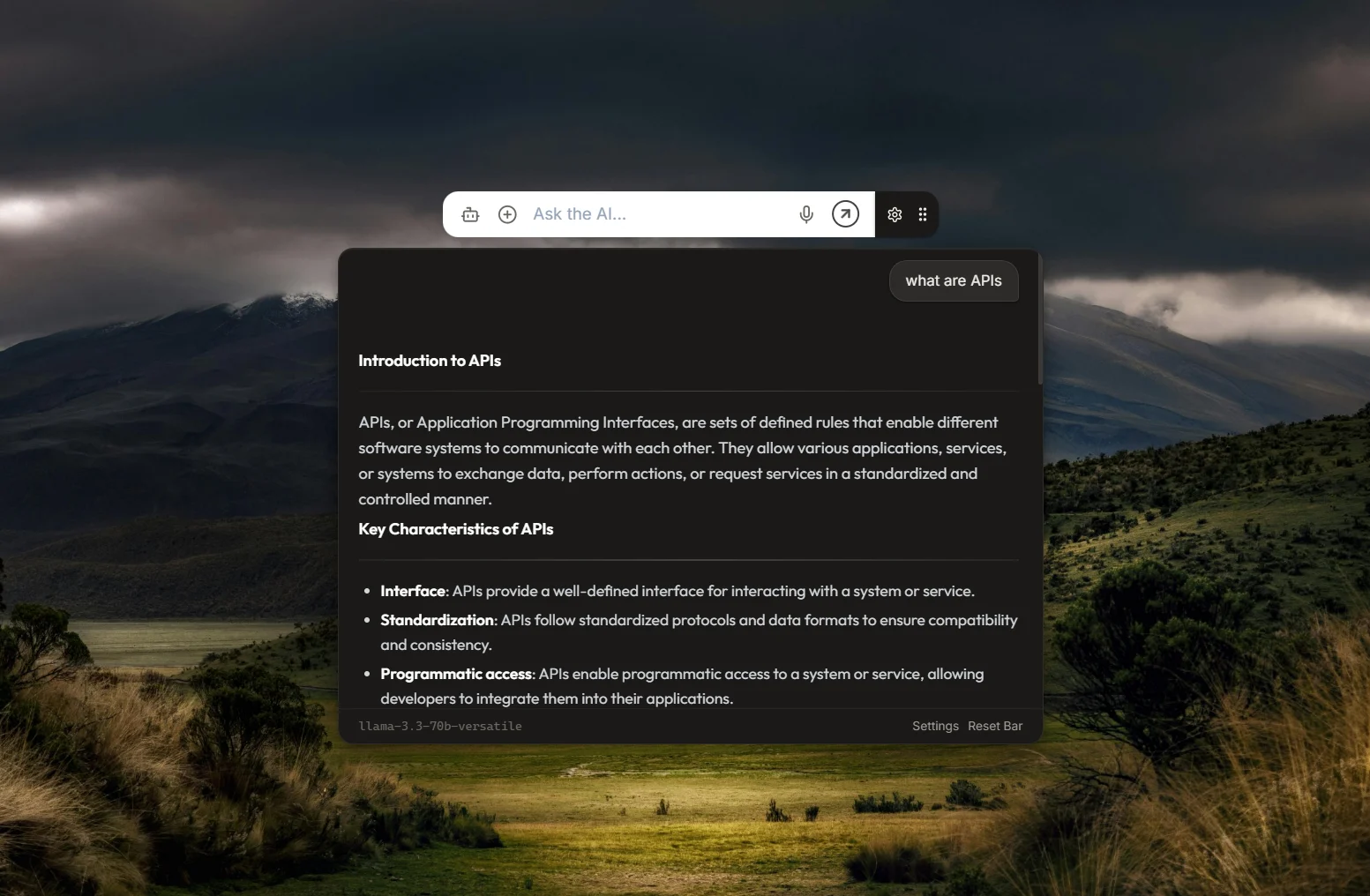
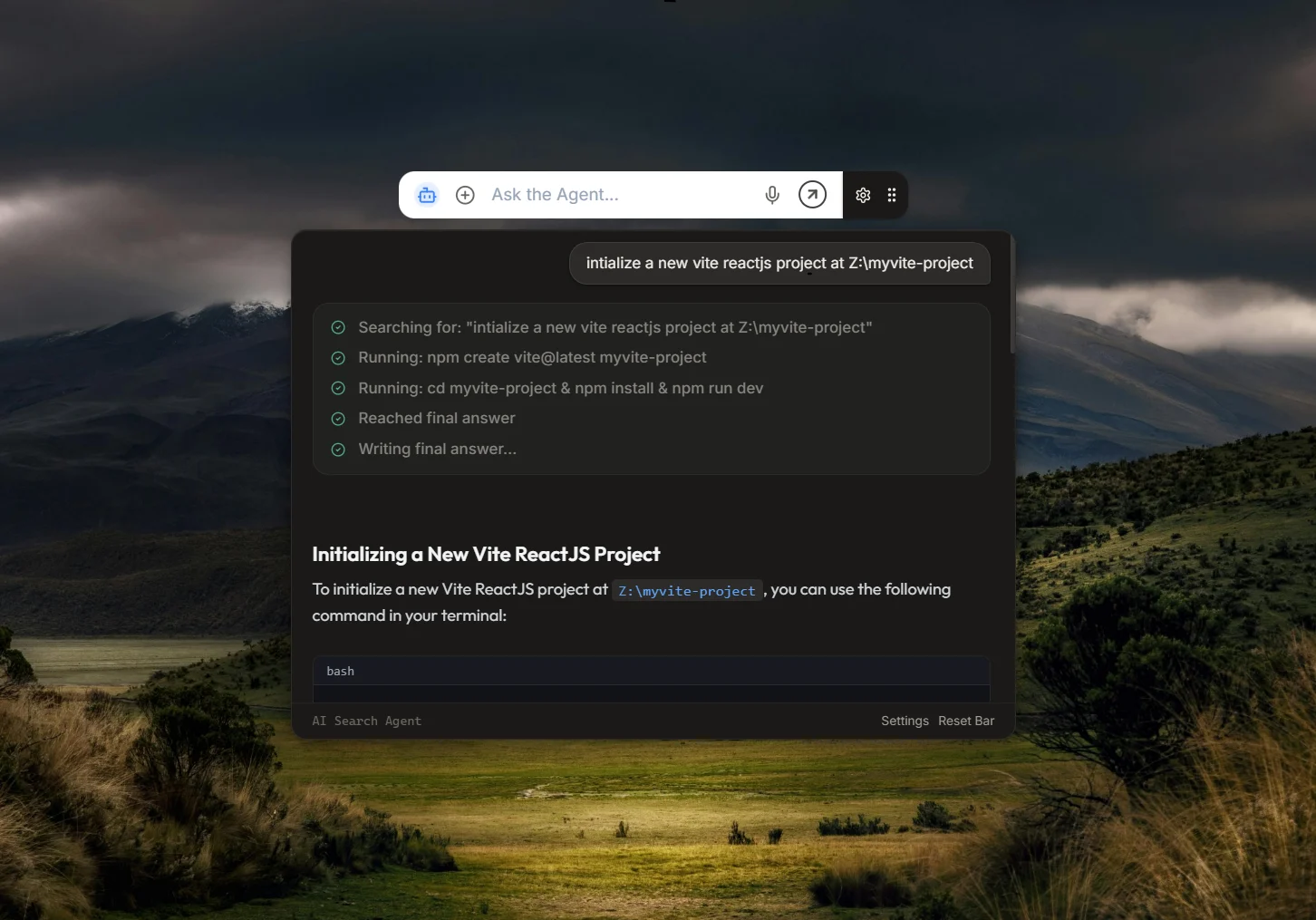

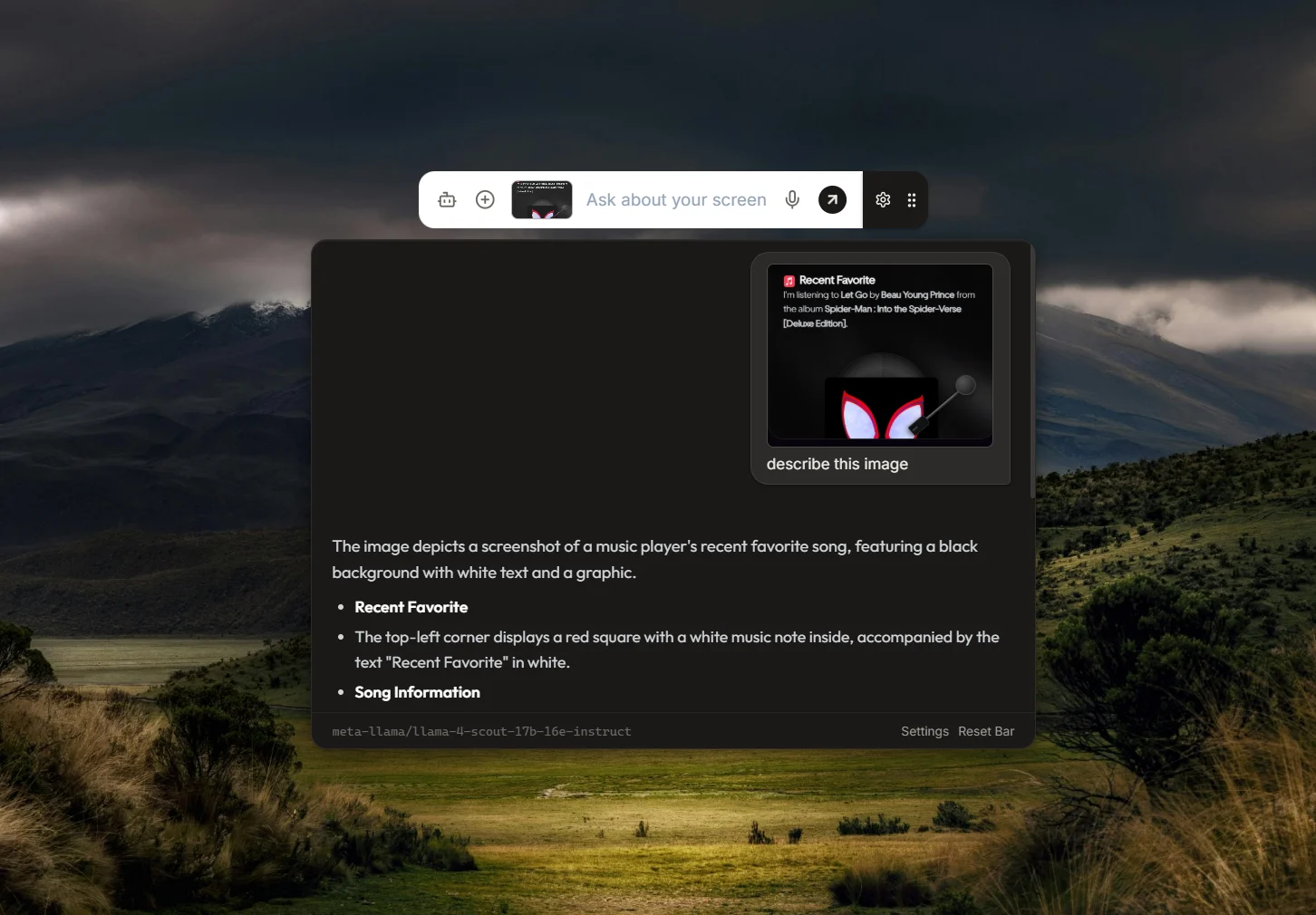
Seamless Desktop Companion (Overview)
This desktop application delivers smooth visual interactions and strong performance using its multi-process architecture. By combining native system tools, audio streams, and automated research workflows, it provides a distraction-free space to search, ask, and build directly from your desktop.
Here is the Electron main-to-renderer bridge structure and core service routing:
Elevating the Desktop Workflow (Motivation)
The goal behind EightBit Desktop AI was to build a fast, visually lightweight AI companion that fits right into a developer's real workflow. Instead of breaking your focus by opening new browser tabs or heavy sidebar apps, this tool packages models into a single, hotkey-driven floating search bar. It connects desktop power with web search and local files to give you instant answers right where you are working.
The Floating Utility Suite (Key Features)
- Floating Pill Design: A borderless, transparent, and dynamically resizable window that stays on top but never blocks your mouse clicks when collapsed.
- Deep Web Research Agent: Runs smart, multi-step search loops using DuckDuckGo to gather, clean, and write fully cited markdown reports with an inline magazine-style image gallery.
- Multi-Turn Chat Threads: Replaces single-turn questions with ongoing conversation memory, allowing you to ask natural follow-up questions.
- Workspace File Scanner: Automatically reads local files (up to 5MB) and displays folder structures in a clean grid layout while filtering out heavy build directories like node_modules and .git.
- Native Screen Snipping: Captures any part of your screen instantly to let vision models describe bugs, code errors, or design assets.
- Encrypted Keychain Storage: Upgraded to Electron's safeStorage AES-256 encryption layer, keeping your Groq, Gemini, OpenAI, and Claude API keys safely locked on your machine.
The Desktop Pipeline (Technologies)
- Electron & TypeScript: Core application shell, OS-level IPC bridges, global hotkeys, and secure safeStorage encryption
- React & Vite: Component-level modular CSS design system, multi-turn chat memory, and interactive folder tree grids
- Cheerio & DuckDuckGo: Fast web scraping pipeline, asset filtering, and initial search routing for deep agent research loops
- Deepgram STT: Low-latency WebSocket audio connections for continuous speech-to-text dictation
- AI Model Providers: Fast streaming responses across custom-selected Groq, Gemini, OpenAI, and Claude models
The application uses a multi-process Electron architecture to separate heavy OS-level tasks from the polished React user interface. The Main process handles window states (frameless, transparent, click-through toggles), global hotkeys, and native screen clipping. It also runs the backend research pipeline, pulling accurate search results via DuckDuckGo and cleaning web pages using Cheerio. API keys have been upgraded from plain storage to Electron's native safeStorage AES-256 encrypted keychain so credentials never leave the device. The Frontend process uses React, Vite, and modular CSS modules to handle real-time audio streams via WebSockets to Deepgram, track multi-turn chat history threads, and map responsive local file explorer grids with built-in code snippet viewers.
Multi-Process Pipeline (System Architecture)
EightBit Desktop AI is structured around Electron's multi-process model to guarantee high performance, security, and smooth rendering of transparent window overlays:
- Electron Main Process: Operating in a trusted Node.js environment, the Main process coordinates window size adjustments (expanding from 110px collapsed height to 580px during active sessions), captures screenshots using
desktopCapturer, and executes local tools. - Preload Bridge: Context isolation is strictly enforced. The preload script exposes only safe, typed IPC bindings via
window.electronAPI, ensuring the React UI has no direct access to system binaries or execution scripts. - Electron Renderer Process: Powered by React, Vite, and Modular CSS, it manages real-time chat threads, voice wave visualization, local file system explorers, and direct WebSocket audio streaming to Deepgram.
Desktop Sandbox Isolation (Security Architecture)
Security is central to the design, preventing malicious prompts or commands from compromising the user's host machine:
- Command Blocklist: Input commands are vetted against a robust RegExp array in
security.tsto instantly block destructive actions likerm -rf, privilege escalation, and boot modifications. - Sensitive Path Validation: The file API runs path-checks, blocking LLM attempts to read/write system directories, configuration keys, or credentials (e.g.,
.ssh/,.aws/,system32). - SSRF Prevention: Web page scrapers are shielded against SSRF (Server-Side Request Forgery) by rejecting loopbacks (
localhost), private subnets (192.168.x.x), and cloud metadata IP addresses (169.254.169.254). - Hardware-Encrypted Keys: API keys are protected locally using Electron's
safeStoragemodule, applying AES-256 hardware-tied encryption before writing tosecure_settings.json.
Iterative Search Loop (Agent Workflow)
The deep research feature leverages an agentic decision loop that dynamically searches, reads, and executes actions. The lifecycle of a query proceeds through the following phases:
- Query Inspection & Pre-Scan: When a query is received, the agent checks for local file or folder paths. If found, it executes a filesystem pre-scan to populate initial context. If a web query, it executes a primary DuckDuckGo search.
- Reasoning & Tool Selection (Max 12 loops): The LLM receives the formatted query, search results, workspace status, and chat history. It selects actions by outputting custom XML tags (e.g.,
<search query="..." />,<read url="..." />,<run_command cmd="..." />). - Human-in-the-Loop Safeguards: Destructive or modifying actions (such as file writes or command execution) require explicit user approval. An interactive confirmation card is displayed in the UI. The user can allow, deny with custom feedback (which is piped back as tool observations), or whitelist command patterns.
- Synthesis & Streaming: Once a final
<answer>tag is reached or the loop limit is hit, all gathered observations are sent to the LLM. It streams the final markdown report with embedded citation links and magazine-style image galleries.
Audio Streams & Transparent Overlays (Challenges)
Creating a transparent desktop app that dynamically grows or shrinks brought up unique challenges—especially managing Electron click-through windows so background apps remain interactive. Handling real-time WebSocket audio flows within React components required deep work with thread lifetimes and sound processing. This project helped me master Electron IPC bridge contracts, high-speed web scraping logic, modular CSS refactoring, and local data encryption architectures.
A Secure, Context-Aware Workspace (Conclusion)
EightBit Desktop AI simplifies your daily workflow by putting an advanced AI assistant and an autonomous research agent into a lightweight, floating search bar. By linking operating system features like global keyboard shortcuts and screen capture with real-time web tech (WebSockets for dictation and live text streaming), it changes how we use desktop tools. The app protects user privacy by encrypting all API keys locally, while its optimized build pipeline ensures smooth performance across Windows, macOS, and Linux.